Private Browsing Is Not Private: What Incognito Mode Really Does
Incognito and private windows only hide history on your own device. See what they do, what they do not, and which tools actually improve your privacy online.
Open a new incognito or private window and you are greeted with a dark screen, a friendly icon and a message. It is easy to read the name and assume you have become invisible. You have not. Private browsing is a useful feature, but it solves a narrower problem than most people think.
The short version
Private browsing keeps your activity from being saved on the device you are using. When you close the window, your browser throws away the history, cookies and form data created during that session. That is all. It does not change what websites, your internet provider, your employer or your school can see.
What private browsing does
- Does not save your browsing history in the browser after you close the window.
- Deletes cookies and site data from the session when it ends, so you start fresh next time.
- Does not remember form entries or search suggestions from the session.
- Keeps you signed out of accounts you used in normal windows, so you can log in to something else, such as a second account, without mixing them up.
- Often disables most extensions by default, though this varies by browser and settings.
These effects are all local. They protect you from the next person who picks up the device, not from anyone out on the internet.
What private browsing does not do
- It does not hide your IP address. Every site still sees the address your connection uses.
- It does not hide activity from your internet provider. Your provider can still see which domains your device contacts.
- It does not hide activity from your employer or school. Managed networks and devices may log traffic or run monitoring software.
- It does not stop websites from recognizing you. If you log in, the site knows who you are. Even without logging in, fingerprinting techniques can identify a browser from details like screen size, fonts and settings.
- It does not block ads or trackers by itself. Some browsers add tracking protection in private mode, but this is not universal.
- It does not protect against malware, phishing or unsafe downloads. Files you download and bookmarks you create can remain on the device.
- It does not encrypt your traffic beyond what HTTPS already does.
Think of it this way: private browsing is like using a hotel room and leaving nothing behind when you check out. It stops the next guest from finding your things. It does nothing about the hotel staff, or the people who watched you walk in.
Who can still see what
| Who | Normal window | Private window |
|---|---|---|
| Someone using your device later | Can see history and saved data | Cannot see session history |
| The websites you visit | See your IP address and activity | Still see your IP address and activity |
| Your internet provider | Can see domains visited | Can still see domains visited |
| Your employer or school network | May log traffic | May still log traffic |
| Advertising networks | Track using cookies and other signals | Cookies cleared, but other tracking can continue |
| A VPN provider (if used) | Sees traffic metadata | Sees traffic metadata |
When private browsing is genuinely useful
- Using a shared or borrowed computer, so your logins and history are not left behind.
- Buying a surprise gift on a family device, so suggestions and history do not spoil it.
- Signing in to two accounts at once, such as a personal and a work profile of the same service.
- Testing a website as a new visitor without your cookies and saved logins.
- Checking prices or search results without your past history influencing the page, although location and other signals can still affect results.
- Making quick one-off searches you do not want suggested later in autocomplete.
Common misunderstandings
"My employer cannot see what I do."
If you are on a work network or a work-managed device, it probably can. Private mode only affects local storage in the browser.
"Websites cannot track me."
They can still use your IP address, fingerprinting and any account you sign in to. Private mode limits cookies that persist, not all tracking.
"It makes downloads and bookmarks disappear."
Files you save and bookmarks you add are not erased when you close the window.
What to use for stronger privacy
Different goals call for different tools, and none of them is magic.
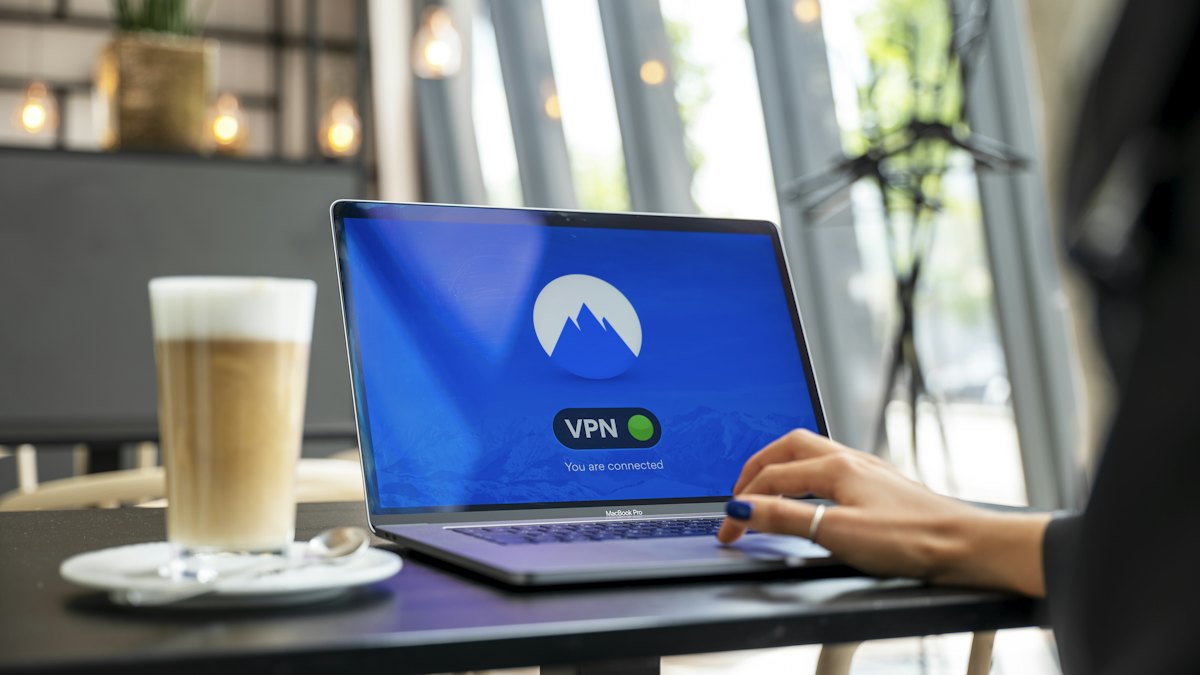
- A VPN hides your traffic and real IP address from your local network and internet provider, but moves trust to the VPN company. It does not stop tracking by accounts or fingerprinting.
- Tracker and ad blocking reduces how much third parties can follow you across sites.
- Privacy-focused browser settings such as blocking third-party cookies and limiting fingerprinting can reduce tracking in everyday use.
- Separate browser profiles help keep work, personal and shopping activity apart.
- Privacy-respecting search engines store less about your queries than some mainstream options.
- Tor Browser is designed for stronger anonymity, with trade-offs in speed and some site compatibility.
- Good account hygiene, including unique passwords and two-factor authentication, protects against a more common risk than surveillance: someone taking over your accounts.
Combining tools can help, but each addition has costs. Decide what you are protecting and from whom before piling on software.
Frequently asked questions
Does incognito mode work the same in every browser?
The basic behavior is similar, but names and extras differ. Some browsers add tracker blocking or other protections in private mode, while others do not.
Is my search history hidden from the search engine?
No. If you are signed in, searches can be linked to your account. Even signed out, the search engine sees the query and your IP address.
Can someone recover my private session after I close it?
The browser does not keep it, but other traces such as DNS caches, downloaded files or monitoring software on the device may remain.
Is private mode safe on public Wi-Fi?
It adds no network protection. HTTPS sites are encrypted regardless of mode, and a VPN is an additional layer if you want one.
Conclusion
Private browsing is a tidy-up tool, not an invisibility cloak. It is good at keeping your history, cookies and logins off a device you share, and poor at hiding you from websites, networks and advertisers. Use it for what it does well, and when your real goal is protection from tracking or network snooping, reach for tools built for that, such as tracker blocking, careful browser settings or a VPN from a provider you have vetted. Knowing the difference is the first step toward privacy that actually works.