Email Marketing Software: A Buyer Checklist Before You Pay
A clear guide to choosing email marketing software: key features, deliverability, list management, costs and a simple way to test options before you commit.
Learn what makes a password strong, how to build long passphrases, why reuse is risky, and how a password manager keeps every account unique and safe.
A beginner-friendly WordPress security checklist: updates, strong logins, trusted plugins, backups, HTTPS and more to keep your site safe from common attacks.
Learn how to install, connect and check a VPN on iPhone and Android, which settings to enable, when it helps, and what a VPN cannot do for you.
The 3-2-1 backup rule keeps your files safe from failure, theft and ransomware. Learn what it means and how to set it up step by step at home or work.
What a hosting control panel does, how cPanel, Plesk, DirectAdmin and custom dashboards differ, and which tasks you will actually use as a beginner.
Two-factor authentication adds a second proof of identity to your logins. Learn how it works, the main types, and how to turn it on for your accounts.
Got a breach notice? Here is a calm, ordered plan: confirm it is real, secure your accounts, protect your money and identity, and watch for follow-up scams.
A practical guide to picking accounting software: what features matter, how to compare plans, and how to avoid costly mistakes when you switch.
Learn how to choose project management software: compare views, collaboration features and costs, and run a trial that shows whether your team will use it.
Practical steps for parents: talk early, set up device controls, spot common online risks and build habits that grow with your child from first tablet to teen.
A beginner-friendly explanation of password managers: how they store logins safely, what to look for, common worries, and how to get started today.
Social engineering tricks people instead of breaking software. Learn the common tactics, the psychology behind them and simple habits that stop most attacks.
A VPN can reduce your speed, but not always by much. Learn why it happens, what affects it, and practical ways to keep your connection fast.
Built-in protection on Windows, macOS and phones covers a lot, but not everything. See what free tools do, when extra antivirus helps and what matters most.
Public Wi-Fi is convenient but risky. Learn the real threats, the habits that matter, and the settings to change so you can connect safely anywhere.
Learn how to spot fake online stores, too-good-to-be-true deals and payment scams, how to check a shop before you buy and what to do if something goes wrong.
Private DNS encrypts the lookups your device makes before visiting a site. Learn what it does, its limits, and how to turn it on for your phone or computer.
Pick a domain name that is easy to remember, brandable and safe to use. Learn about extensions, naming rules, mistakes to avoid and a final checklist.
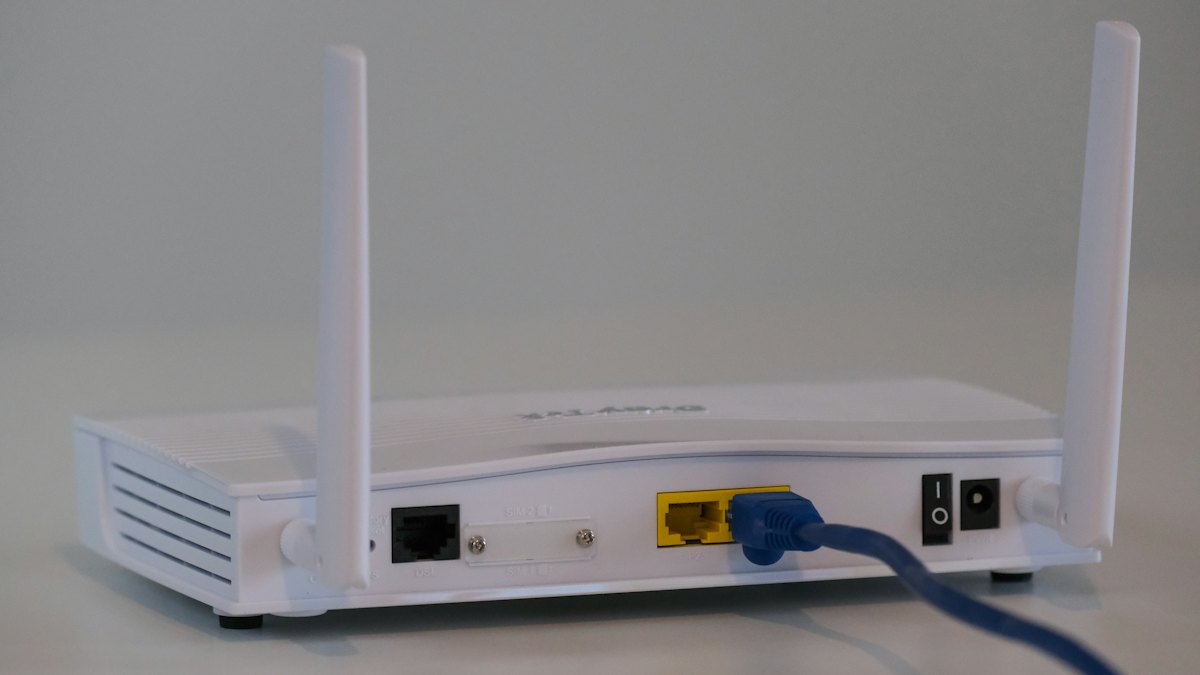
Learn how to secure your home router: change default logins, update firmware, use WPA3 or WPA2, set up a guest network and turn off risky features.
Compare VPNs, proxies and Tor in plain English: how each one works, what it protects, where it falls short, and which fits your situation best.
Passkeys let you sign in with a fingerprint, face scan or device PIN, not a password. See how they work, why they resist phishing and how to start using them.
Learn what a content delivery network does, how it speeds up and protects your site, and how to decide whether your website really needs one.
Learn the seven clearest signs that an online account has been hacked, how to confirm it safely, and the exact steps to regain control and prevent repeats.
A step-by-step guide to moving your website to a new hosting provider safely, from backups and DNS changes to testing, with a handy checklist.
Compare shared, VPS and cloud hosting in plain language. Learn how each works, who it suits and the signs that it is time to upgrade your plan.
Understand what ransomware is, how it gets onto devices, what to do if you are hit, and the habits, especially backups, that protect homes and small teams.
Learn the telltale signs of phishing emails and messages, see realistic examples, how to verify them safely and what to do if you already clicked.
A practical guide to the types of software freelancers need, from invoicing and time tracking to backups and security, and how to choose without overspending.
A step-by-step framework to pick customer relationship software: define needs, compare features, check real costs, run a trial and avoid a painful migration.
Know when a shared inbox stops working and what to look for in helpdesk software: ticketing, automation, knowledge base, reporting, and a sensible rollout plan.
Find the repetitive tasks worth automating in a small business, learn how trigger and action tools work, and start with safe, simple workflows that save time.
A plain-English explanation of what a VPN does, what it cannot do, the situations where it is genuinely useful and how to choose a trustworthy provider.
Choosing video conferencing software? Compare meeting size, call quality, security, recording and costs, and run a simple test call before you commit.
Shared, VPS, cloud or managed? Learn the differences, what to check before you buy, a step-by-step process and the mistakes that cost beginners money.
Learn how to match a note-taking app to your habits, from structure and search to sync and export, with a simple two-week trial plan and a practical checklist.
Getting paid on time starts with good invoices. See which features matter in billing software, what to check before you commit and how to set it up well.
Sync, backup and file sharing sound alike but solve different problems. Learn how each works, the risks of mixing them up and how to set up a safe system.
Not sure whether to use a drag-and-drop website builder or WordPress? Compare control, upkeep, cost of time and growth, and use our questions to choose.
Learn how trackers follow you across websites and apps, which settings and habits actually help, and where a VPN does and does not protect your privacy.
A no-logs policy sounds reassuring, but what does it cover? Learn what VPN providers may record, how audits help, and how to read the fine print yourself.

Incognito and private windows only hide history on your own device. See what they do, what they do not, and which tools actually improve your privacy online.

Free VPN apps still cost something. Learn how they make money, the privacy and security risks to watch for, and safer ways to protect your connection.
Learn how WireGuard, OpenVPN and IKEv2 differ in speed, security and compatibility, and which VPN protocol makes sense for your phone, laptop or router.
A VPN can fail quietly. Learn what DNS, IP and WebRTC leaks are, how to test for them step by step, and what to change if your real details show up.
Learn what a complete website backup includes, how often to run it, where to store copies and how to test a restore so recovery works when you need it.
Dedicated server or VPS? See how they differ, which signs really call for dedicated hardware, and when a cheaper option is the smarter choice for your site.
A plain-English walkthrough of launching your first website: pick a domain, hosting and platform, build pages, add SSL and check everything before going live.
What uptime means, what 99.9 percent really allows in downtime, why guarantees are not proof, and how to monitor your site and reduce outages.
Learn what an SSL/TLS certificate is, why the padlock matters, the types available, how to install one and how to fix common HTTPS errors on your site.
A practical list of ten fixes for a slow website, from measuring the problem to images, caching, scripts, fonts and hosting, with a simple order to follow.
Compare WordPress hosting and regular shared hosting on speed, security, updates, support and cost, and learn when the upgrade is worth paying for.