Online Security
Strong Passwords Without the Headache
Learn what makes a password strong, how to build long passphrases, why reuse is risky, and how a password manager keeps every account unique and safe.
Oct 9, 2026 · 6 min read
Most attacks succeed because of small, avoidable mistakes: a reused password, a rushed click, an outdated router. These guides explain the threats in plain language and show the practical habits that stop them.
From setting up two-factor authentication and passkeys to recognizing phishing, protecting your family and recovering after a breach, every article ends with clear steps you can follow today.
14 guides
Learn what makes a password strong, how to build long passphrases, why reuse is risky, and how a password manager keeps every account unique and safe.
A beginner-friendly WordPress security checklist: updates, strong logins, trusted plugins, backups, HTTPS and more to keep your site safe from common attacks.
The 3-2-1 backup rule keeps your files safe from failure, theft and ransomware. Learn what it means and how to set it up step by step at home or work.
Two-factor authentication adds a second proof of identity to your logins. Learn how it works, the main types, and how to turn it on for your accounts.
Got a breach notice? Here is a calm, ordered plan: confirm it is real, secure your accounts, protect your money and identity, and watch for follow-up scams.
Practical steps for parents: talk early, set up device controls, spot common online risks and build habits that grow with your child from first tablet to teen.
Social engineering tricks people instead of breaking software. Learn the common tactics, the psychology behind them and simple habits that stop most attacks.
Built-in protection on Windows, macOS and phones covers a lot, but not everything. See what free tools do, when extra antivirus helps and what matters most.
Learn how to spot fake online stores, too-good-to-be-true deals and payment scams, how to check a shop before you buy and what to do if something goes wrong.
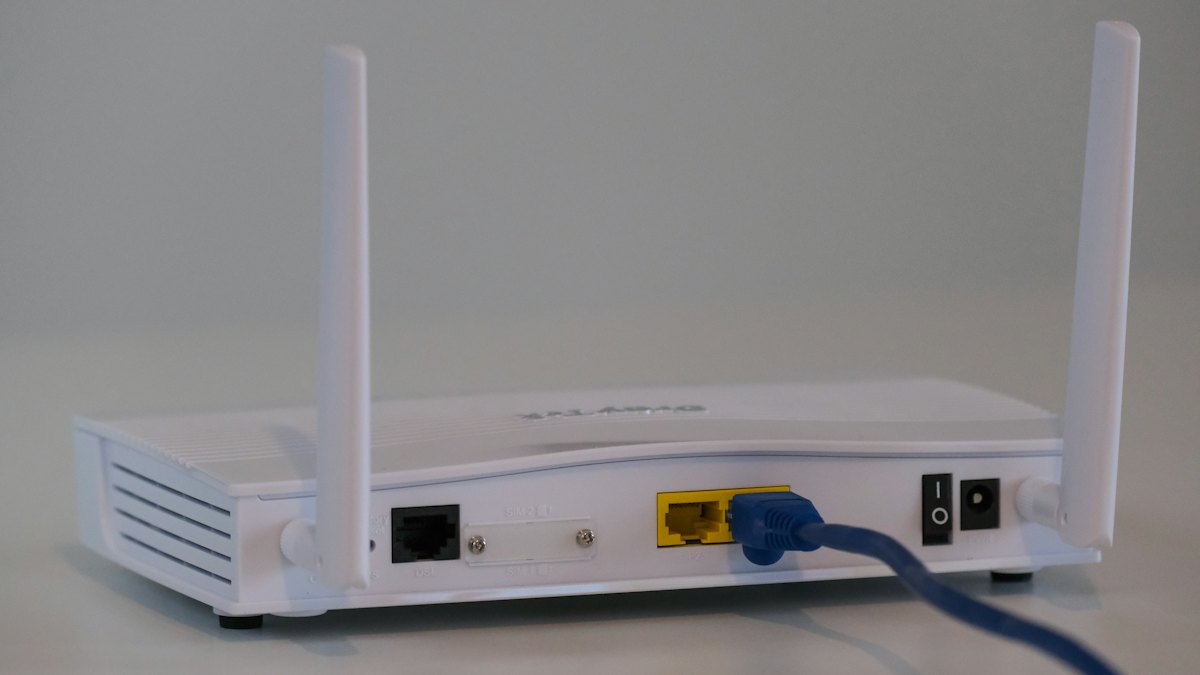
Learn how to secure your home router: change default logins, update firmware, use WPA3 or WPA2, set up a guest network and turn off risky features.
Passkeys let you sign in with a fingerprint, face scan or device PIN, not a password. See how they work, why they resist phishing and how to start using them.
Learn the seven clearest signs that an online account has been hacked, how to confirm it safely, and the exact steps to regain control and prevent repeats.
Understand what ransomware is, how it gets onto devices, what to do if you are hit, and the habits, especially backups, that protect homes and small teams.
Learn the telltale signs of phishing emails and messages, see realistic examples, how to verify them safely and what to do if you already clicked.